Personal Features
Discover what OCCT can do for you
Our philosophy
At OCCT, our development is driven by the community. Every feature we build starts with one goal: creating tools that genuinely help users. We believe hardware testing should be accessible to everyone while offering the depth and reliability that enthusiasts and professionals expect.
Community driven
The essential free edition
Our goal is to be useful to the community. That's why the free edition includes everything you need to diagnose the vast majority of hardware issues. The free edition of OCCT limits tests to one hour, which is enough for most diagnostics.
We don't believe essential hardware diagnostics should be locked behind a paywall. Your test results, system information, and core stress testing tools will always be available in the free edition.
Upgrade when needed
Supporter editions
While the free version is enough for most diagnostics, users who want to unlock additional features or support OCCT’s development can choose a Patreon subscription or purchase a one-month or one-year license through Steam.
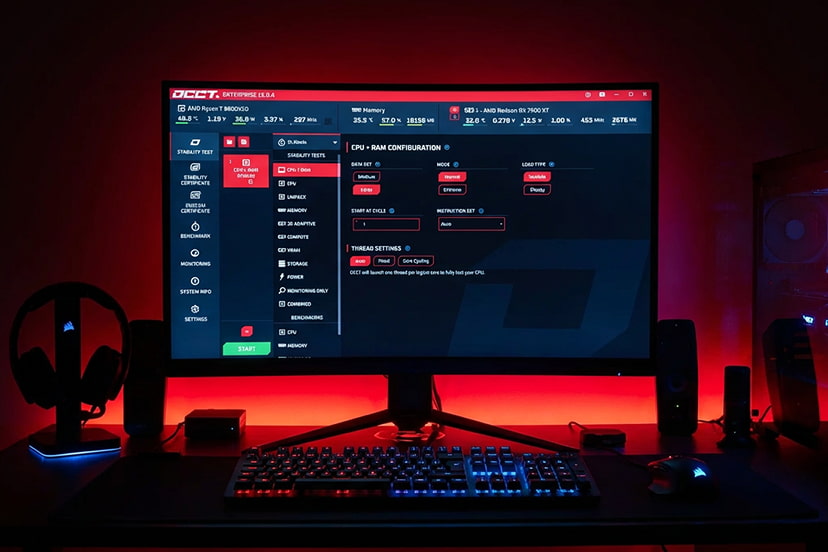
By default, the free edition limits test duration to one hour and includes a short cooldown period between tests. OCCT Supporter and Supporter+ editions unlock unlimited testing, allowing users to push their systems through longer and more demanding stress-testing sessions.
Supporters also gain access to two additional features: Stability Certificates, which provide proof that a system has successfully passed rigorous testing, and comprehensive Test Reports, offering detailed insights into system performance and stability.
Core features
Complete toolbox
► Keep an eye on your system's vital signs with OCCT's comprehensive monitoring features. Track temperatures, voltages, fan speeds, and more in real-time to ensure your hardware is running optimally.
Powerful stress tests
Stability testing
The signature test of OCCT. It stresses the whole CPU + Memory chain, allowing for a comprehensive and yet very sensitive stress test.
Your processor won't reach the peak power consumption of the CPU test as it will spend some time waiting for the data to come from your memory.
This test is ideal for testing your whole CPU & Memory system quickly and efficiently. It is very often used as a first intention stress test for an initial, quick overview of your system stability.
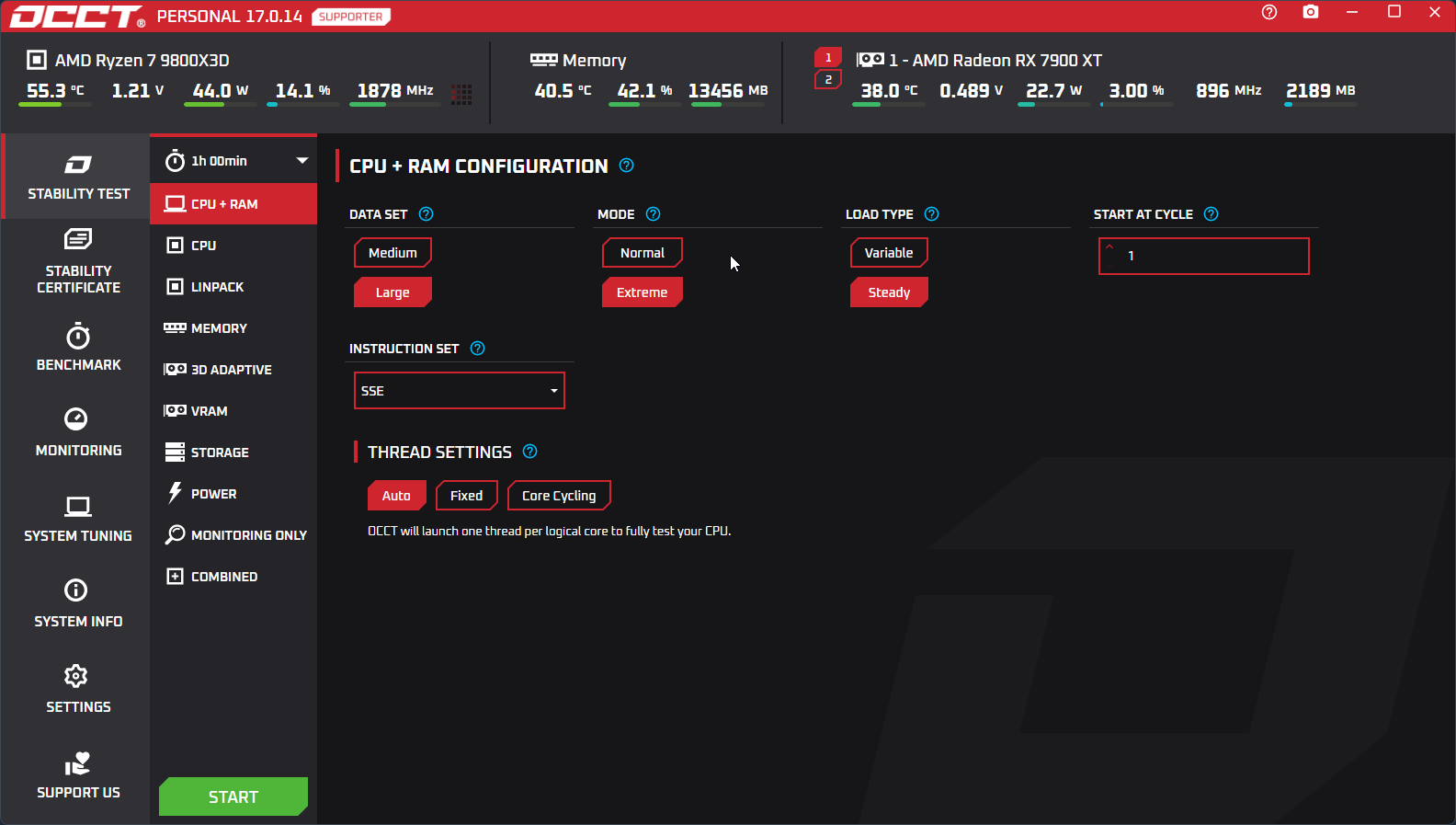
This test will generate insane amount of heat on your CPU. Everything will be executing inside the processor caches, allowing your CPU to reach the true 100% usage.
You will be able to see how your CPU cooling system performs under extreme conditions, a valuable indicator of the overall performance of your cooling.
If an error is detected during this test, it is very likely coming from your CPU. Use it to confirm a previous diagnostic obtained with the CPU + RAM test, pinpointing the cause of the issue.
This test and CPU + RAM allow for per-core testing : select the cores you want to test, how you want them to switch, and so on. It is the most advanced per-core test currently available.
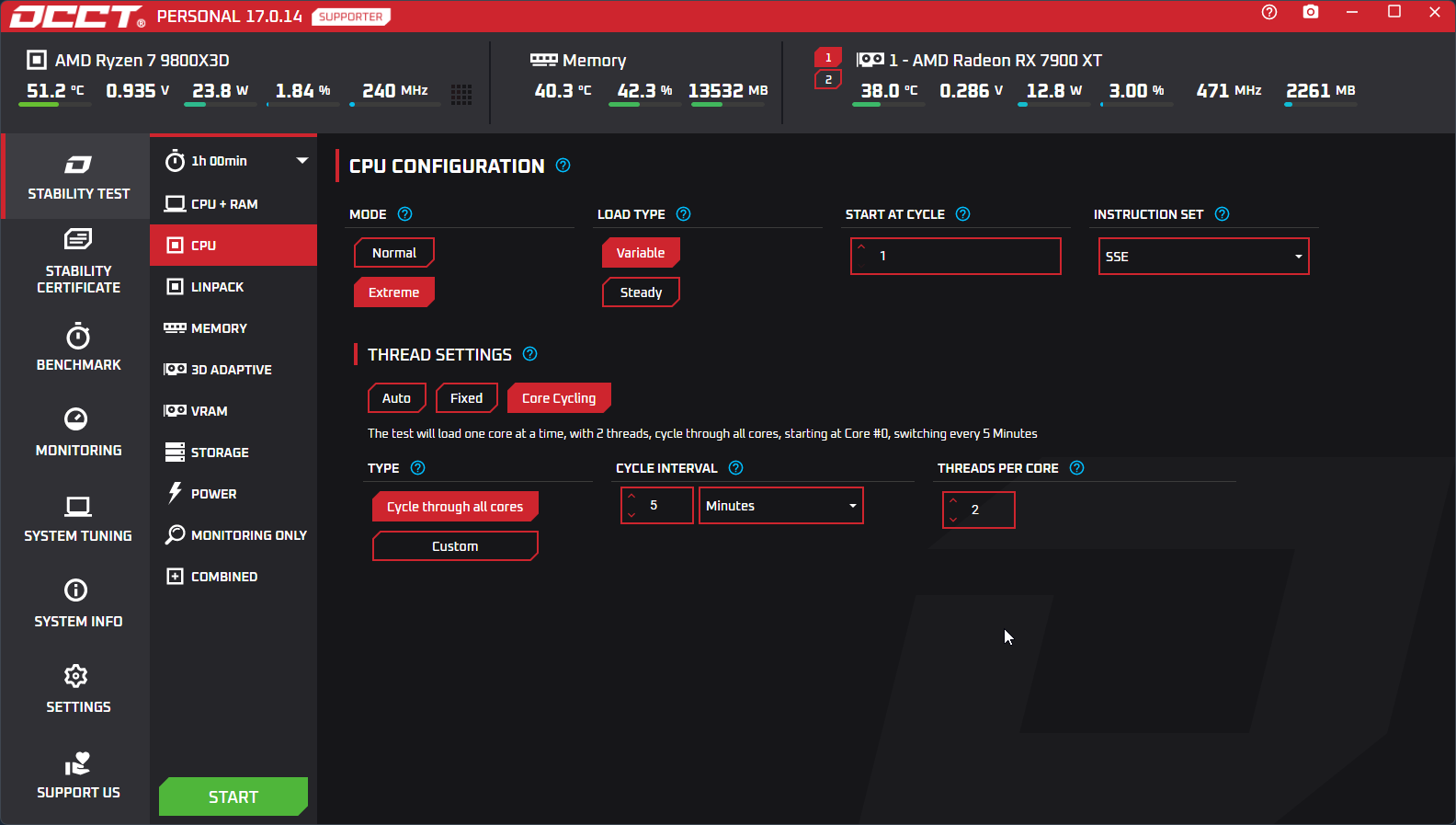
It is based on the Linpack benchmark, widely used in the distributed computing industry, and in particular the Intel originating build of the benchmark.
It functions in two phases : one heavy computation phase, and another dedicated to checking results. The amount of memory used by this test dictates the complexity of the problem solved and thus the time spent in each phase.
We recommend staying with rather low amount of memory used, around 2 to 4GB, to keep the test phases short enough for it to be practical.
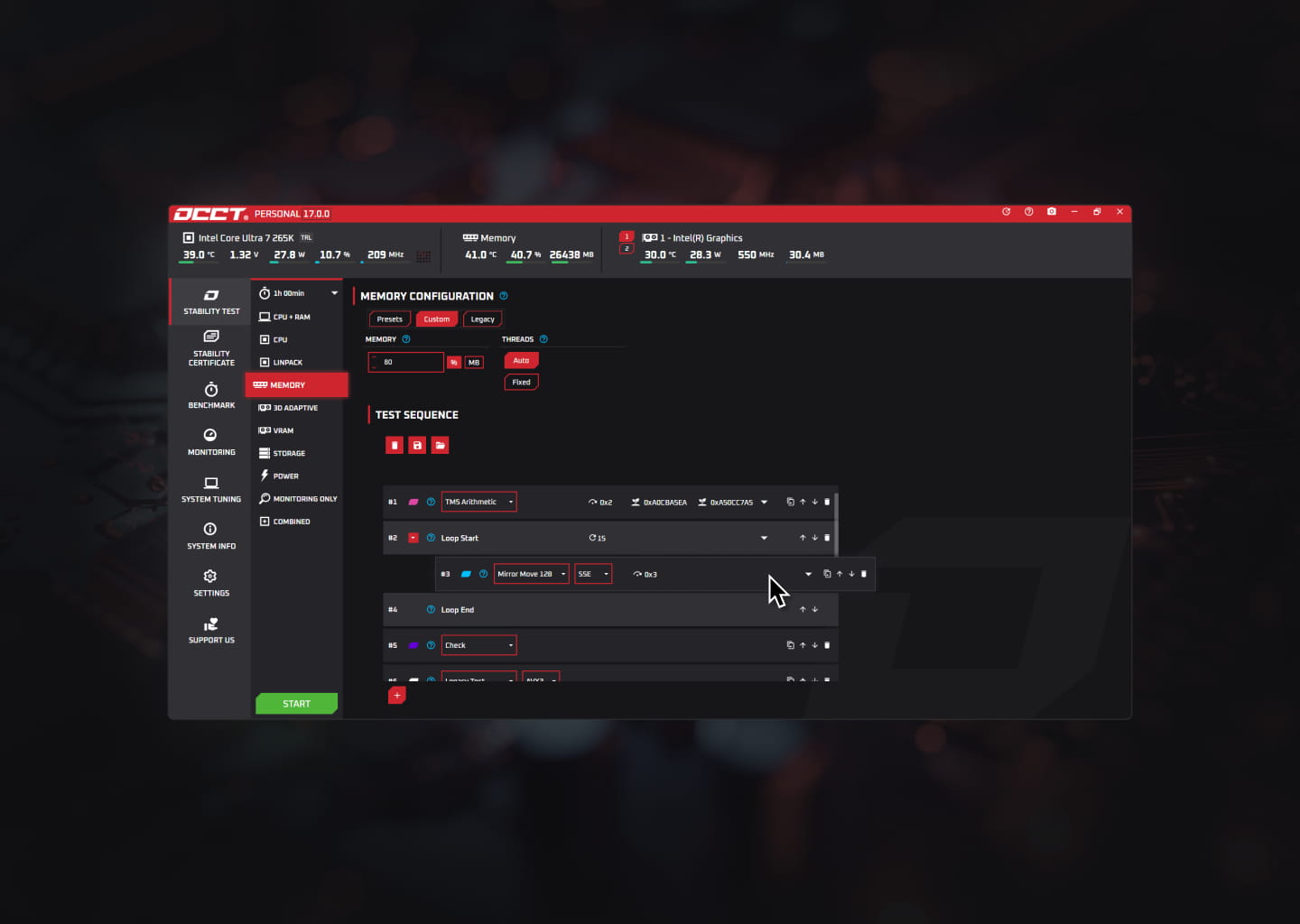
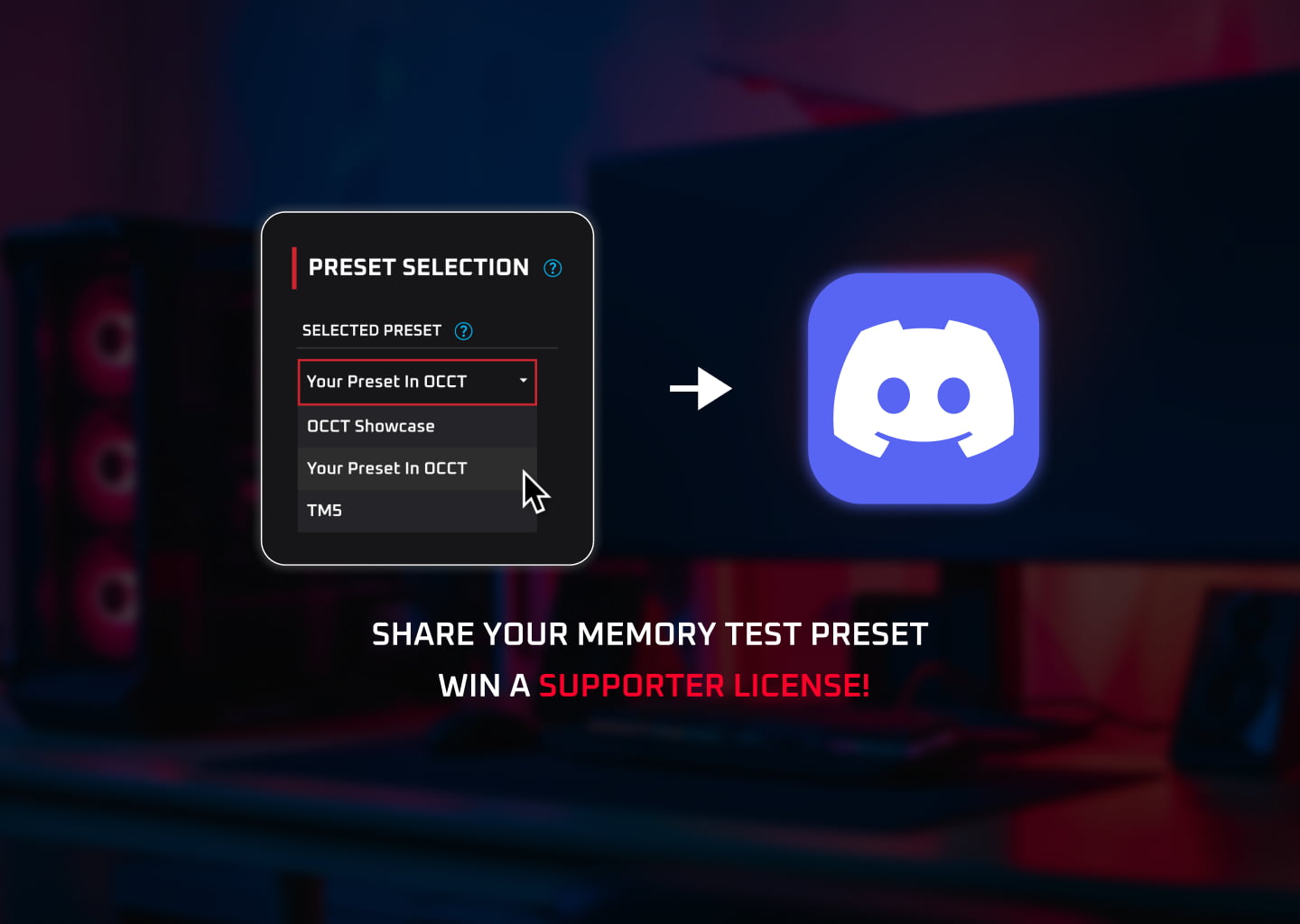
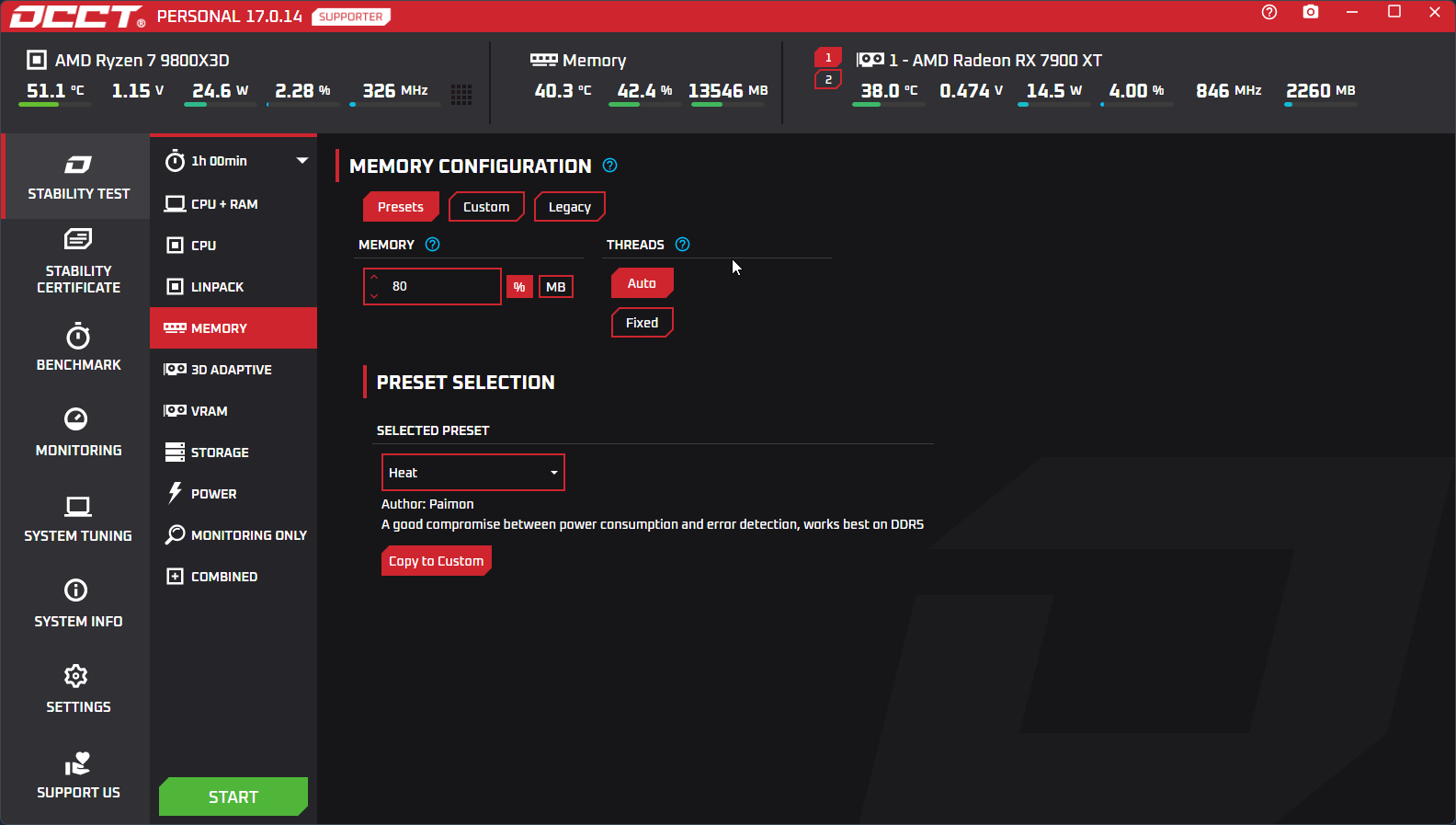
Test your system memory with complete control. OCCT’s Memory Test is built around a modular architecture with 16 specialized testing blocks that can be combined to create custom stress scenarios tailored ot your exact needs. Each block performs a specific operation, giving you precise control over how memory is accessed, stressed, and validated. Create your own configurations, save them as presets, and share them with the community.
For users who prefer a simpler approach, OCCT also includes ready-to-use presets based on proven testing methods, including the classic OCCT Memory Test, as well as verified community-made presets.
Note that the test executes under Windows or Linux and cannot test the memory reserved for the OS.
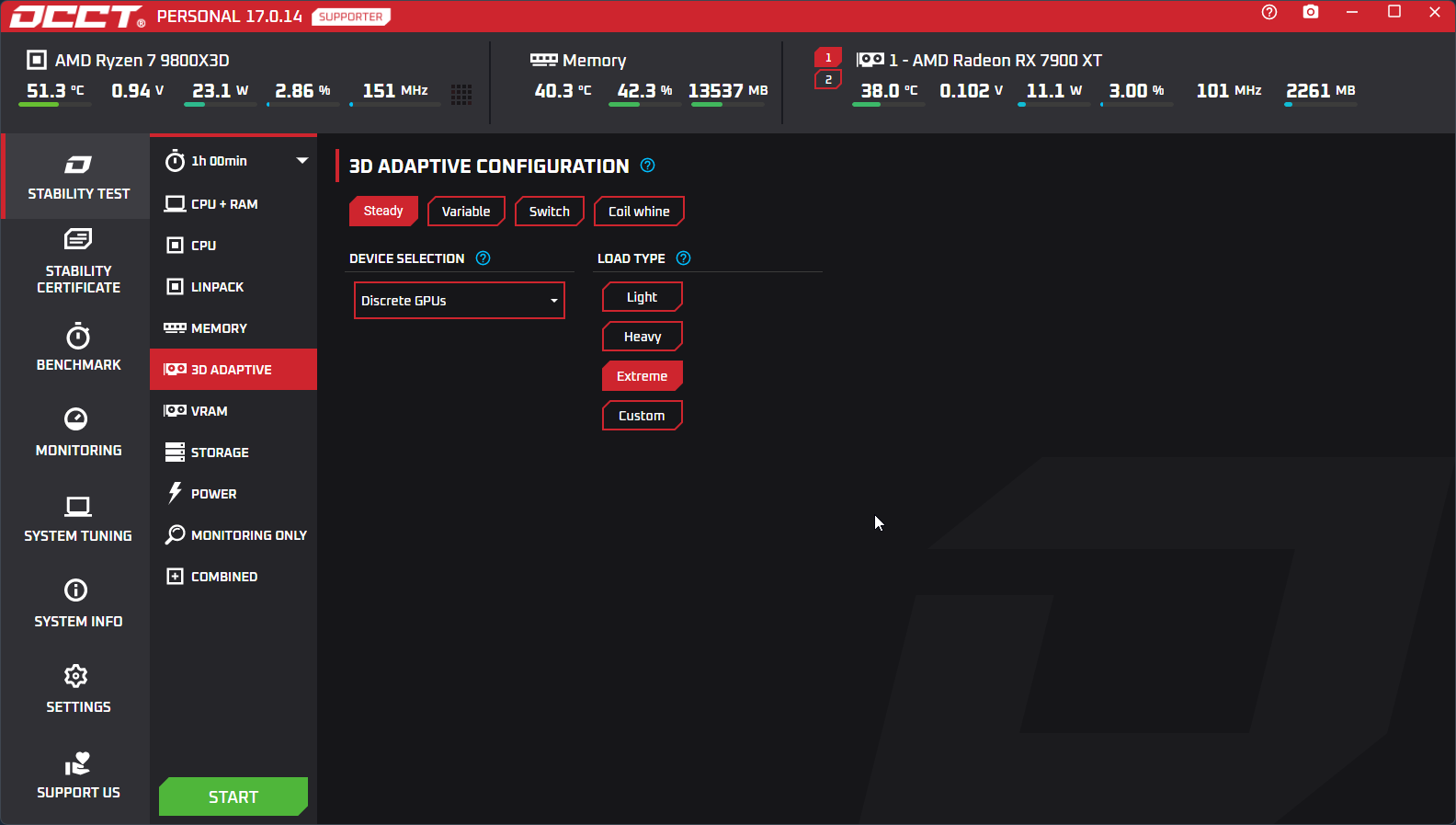
Modern GPUs require modern solutions. They are designed with a game workload in mind, and their frequency peak at around 50% usage, which is the common workload of a game.
Nothing out there was able to both reproduce those conditions and check for errors, until this test was released. It is based on Unreal Engine, as nothing is better suited at reproducing a game-like load than a 3D engine designed for games.
It can run at a specific load, change its load dynamically to test the full GPU VF curve with a single click, or generate heavy transient loads, spiking endlessly, to put your GPU through a lot of different conditions, and detect any issues.
It has been proven by assemblers as more efficient than tests provided by GPU manufacturers themselves, and faster to detect issues. It also supports running on several GPUs at once, and can test graphic cards without a display adapter being plugged in !
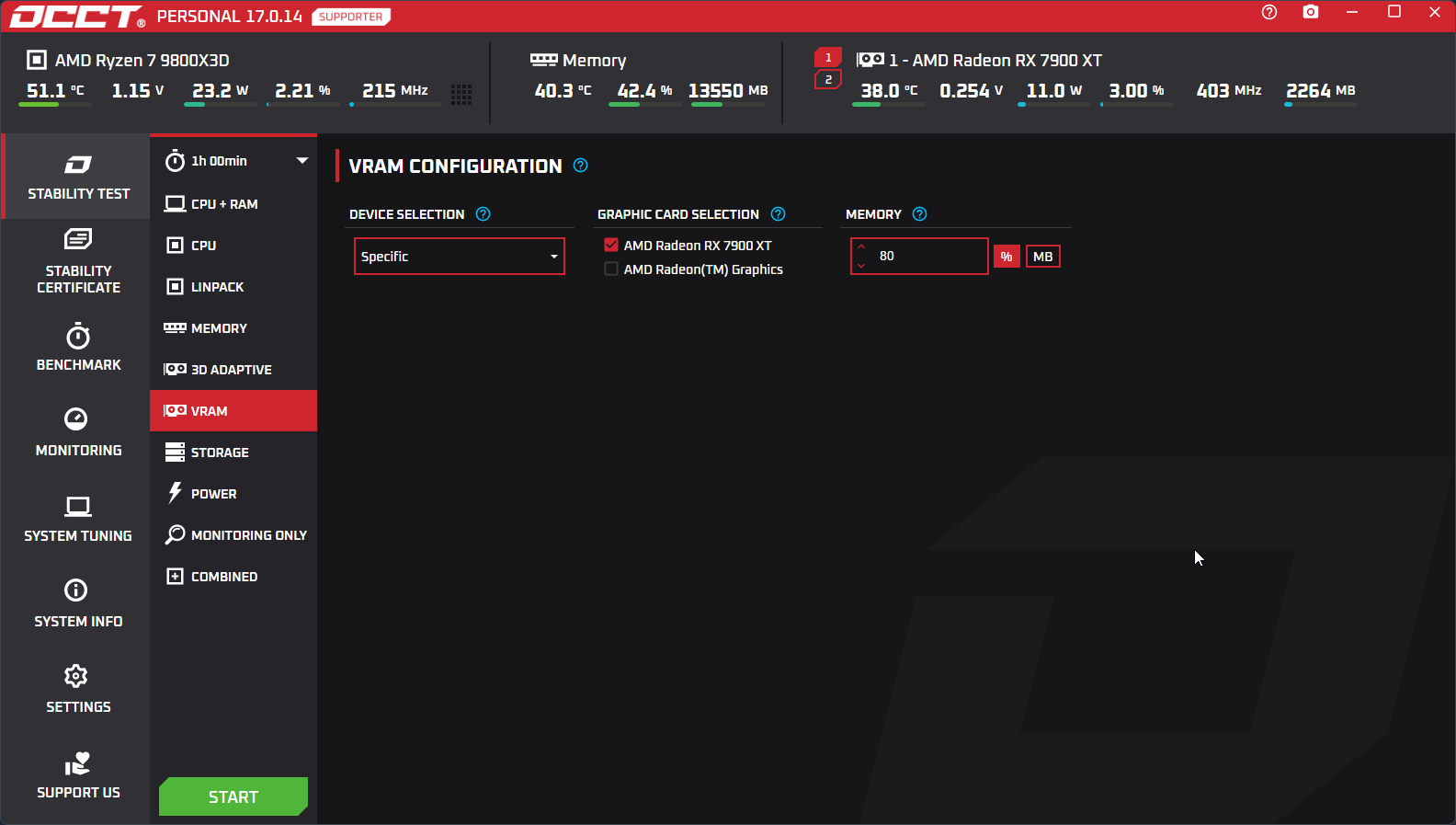
VRAM can be the source of many issues. This test is one of the few that can throroughly test all your VRAM chips, and report any issue detected.
Sadly, VRAM comes with error detection. This means that the data is checked and retransferred until the GPU confirms the transfer went smoothly. This makes the test unable to detect transfer related issues as failed transfers aren't reported by the manufacturers.
However, if there's a faulty chip, the test will report it, as error detection cannot correct errors that are stored in the memory.
As with all of OCCT's GPU tests, it can test several GPUs in parallel, even without a screen being attached, making it suited for workstation testing.
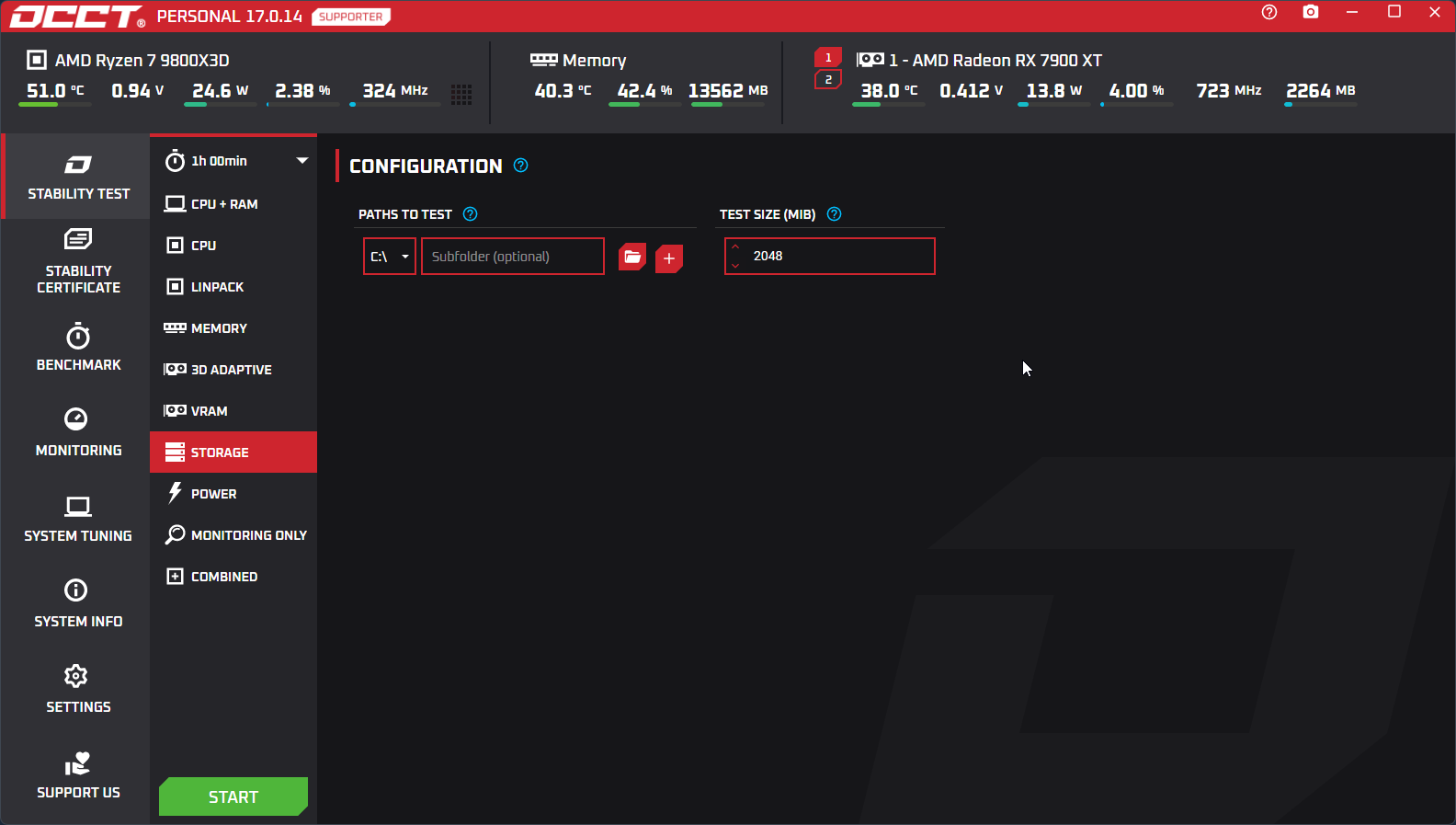
Storage is often overlooked when it comes to stability testing. Yet, a faulty storage device can lead to data corruption, system instability, and numerous other issues.
Our test stress-tests your SSDs and HDDs under heavy workloads and high temperatures to validate performance and reliability.
Keep in mind that this test can be very intense for your components and very frequent use can impact your SSD and HDD lifespan, though normal usage poses no significant risk.
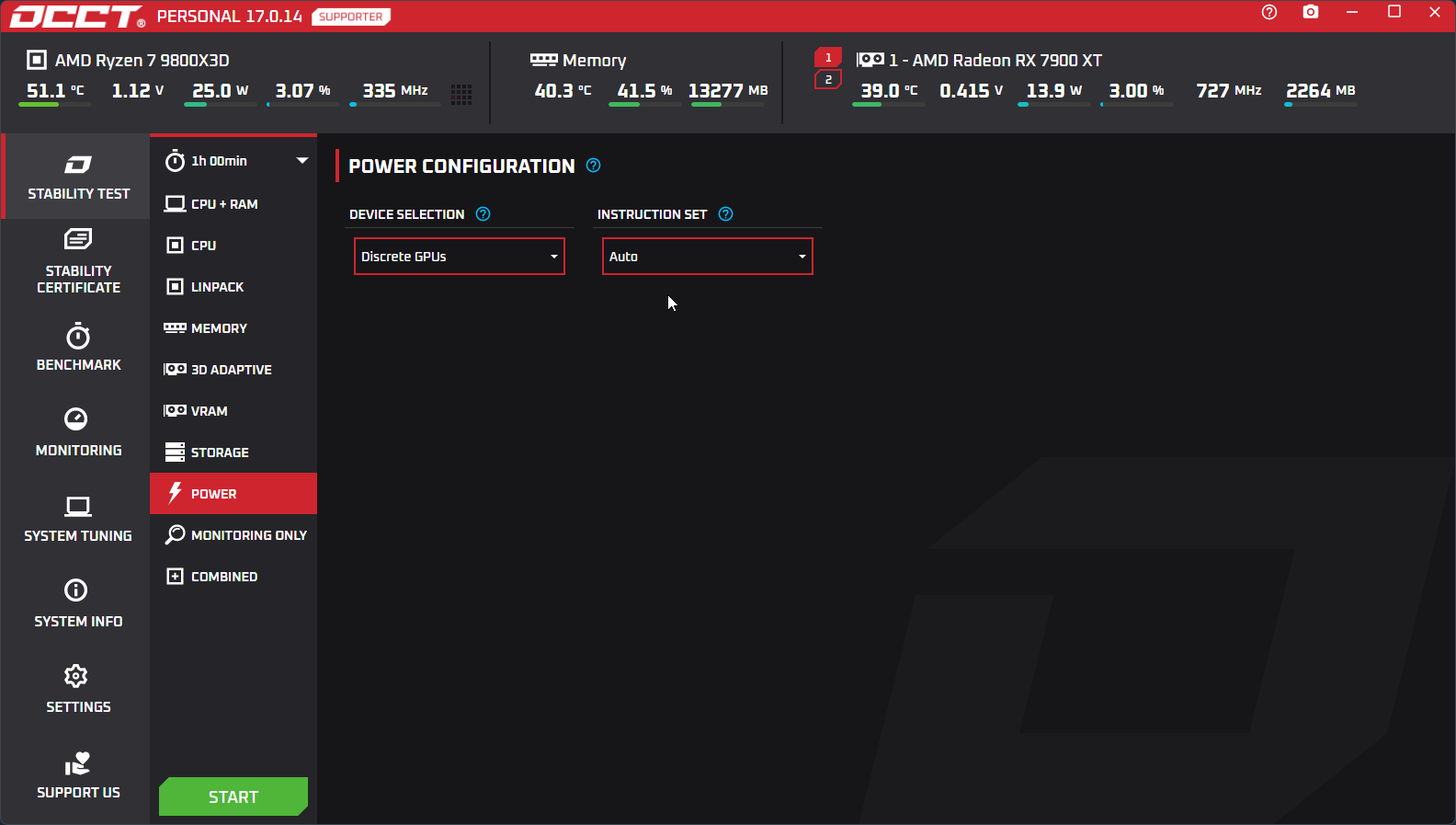
If there's one component that's usually left neglected and yet is essential in any build, it's the power supply. This test creates heavy loads on both your CPU and GPU to try and maximize power consumption, and put your power supply through extreme conditions.
This test is very fast : usually, an undersized power supply will go into protection mode very quickly, resulting in an abrupt black screen, and heat will build up in your case by the huge amount of power consumed, putting your cooling system to its limits.
We advise running this test first, as if it fails due to a PSU issue, it will do so very fast. And more often than not, the power supply is at stake in numerous problems.
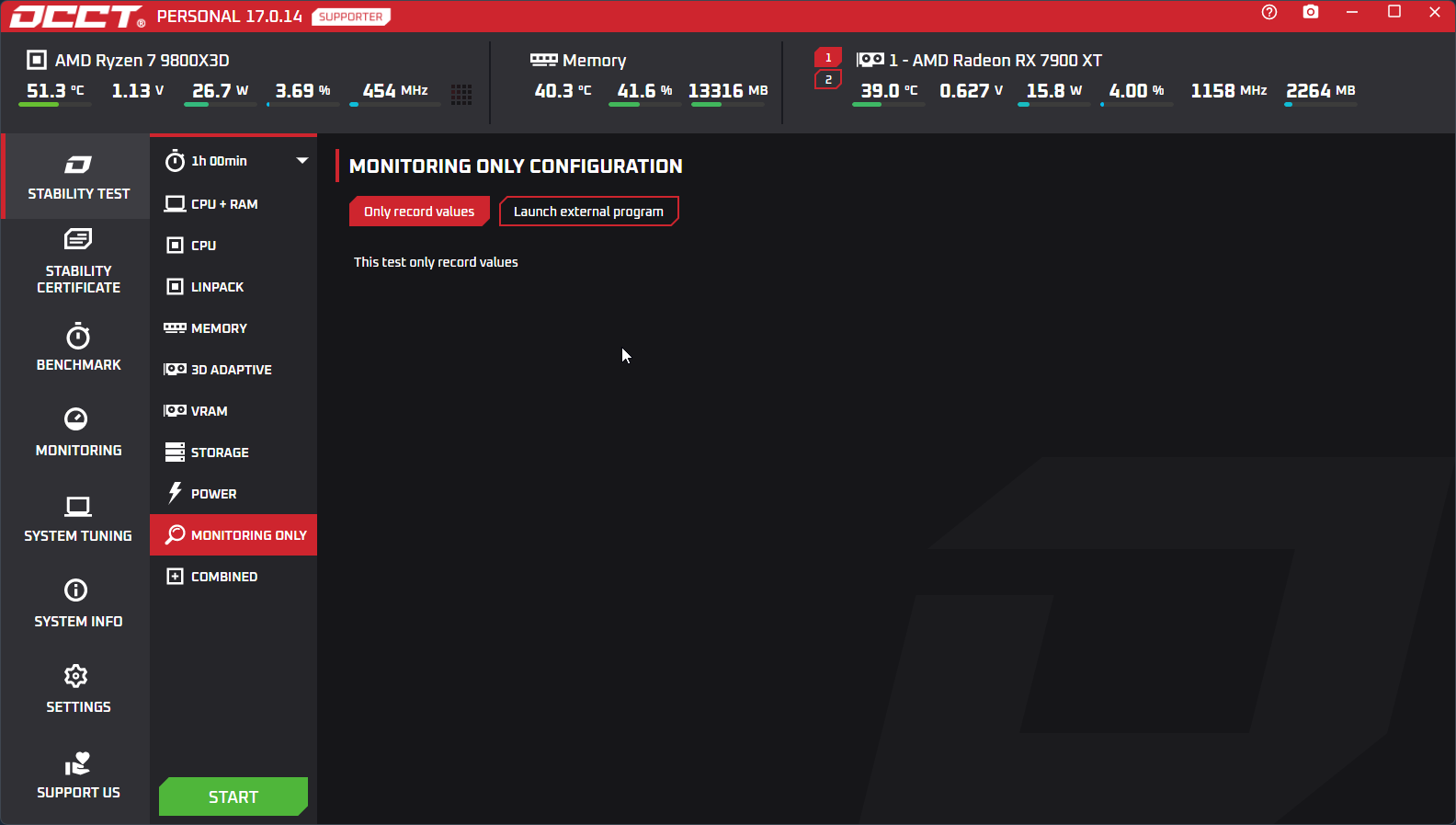
This test is an oddity in the OCCT lineup. It has two modes : the first one will do nothing. It is used to monitor your system and produce an OCCT report, or used as a pause between two tests in a schedule to reach base temperatures by letting the components alone for a while.
The second one allows you to launch a test external to OCCT. Supply it with 3 batch scripts : one for launching, one for stopping, and one for reporting the test status or result, and OCCT will launch it for you. It allows for expanding OCCT's testing capabilities with other stress tests or benchmarks that you want to include besides OCCT's extensive collection.
It will heavily evolve in the future, by allowing the use of plugins, so ready made scripts can be used in a more user-friendly way to control external programs.
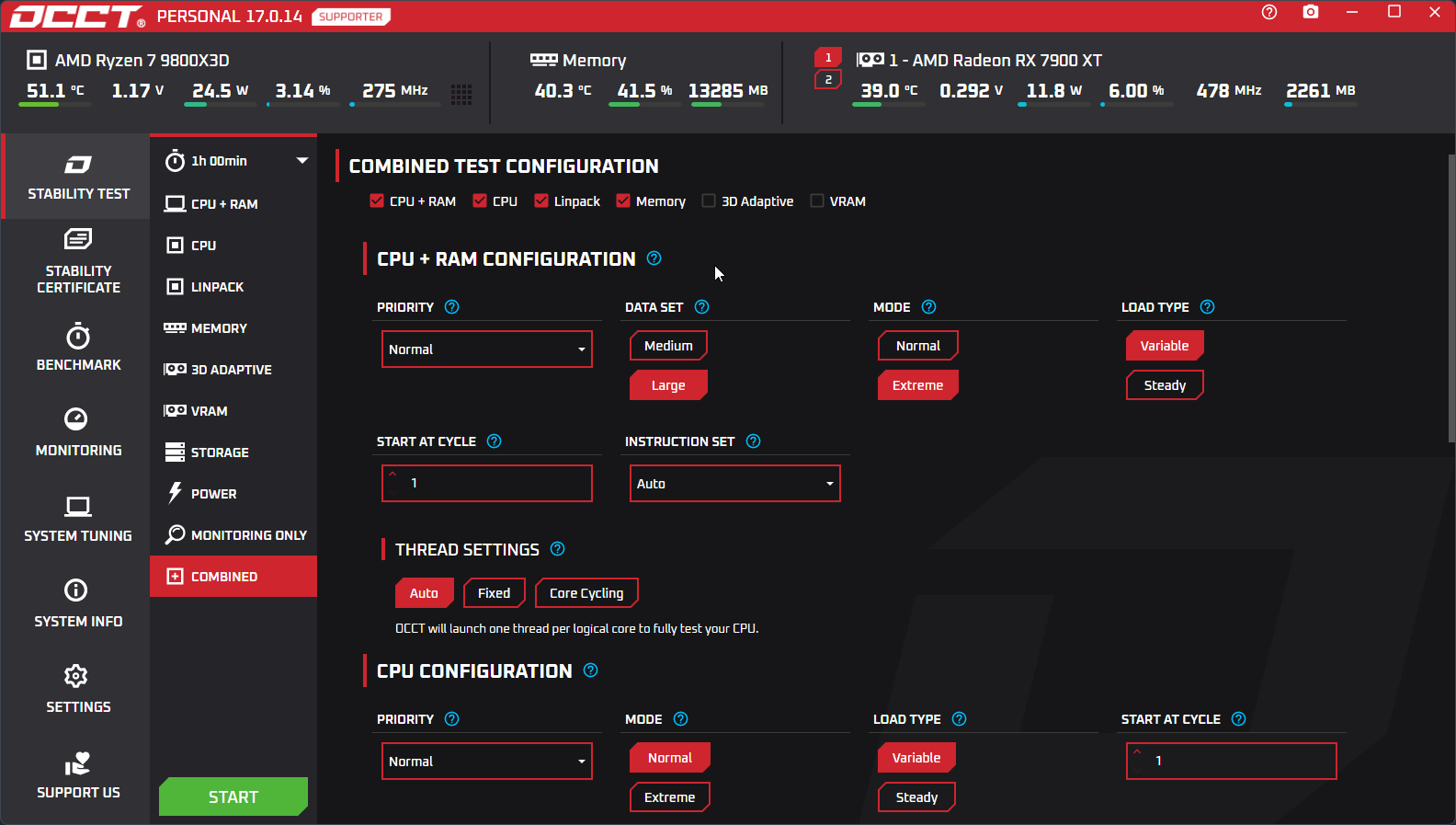
The power test is great at loading both your CPU and your GPU, but we wanted to go further. This test allows you to launch any combination of tests in OCCT, but in parallel. You may want to run CPU+RAM and 3D Adaptive, Memory and 3D Adaptive... your call ! Let your creativity be at play.
Be warned that some combinations don't make sense. Running CPU and Memory especially, since those tests will compete for resources, and be much less efficient than the CPU + RAM test. We took the stance of letting you do your thing and not limiting your creativity.
Some creative combinations have already been found. 3D Adaptive in Switch mode, generating heavy transients loads, combined with VRAM, makes a very good and effective coil whine detector. Play around !
Performance measurement
Benchmarks
We're a stability testing software at heart, yet we deem important to know how your system performs under heavy load. We thus built intense benchmarks that focus on efficiency, while others focus on lighter loads.
OCCT's benchmarks are a quick and effective way of knowing the impact of your settings on performance, and see how you fare against others !
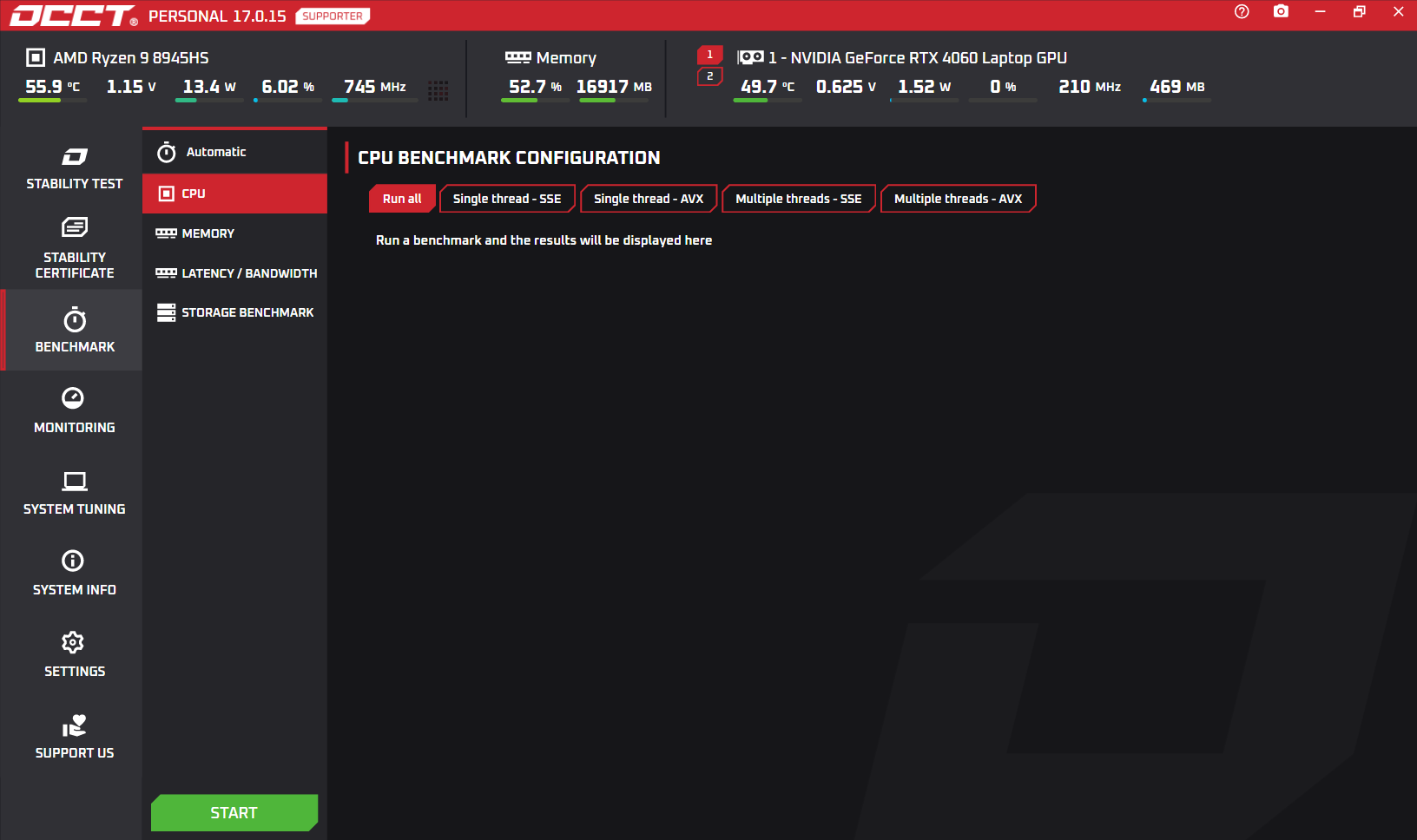
We're a stability testing software at heart, yet we deem important to know how your system performs under heavy load. We thus built intense benchmarks that focus on efficiency, while others focus on lighter loads.
OCCT's benchmarks are a quick and effective way of knowing the impact of your settings on performance, and see how you fare against others !
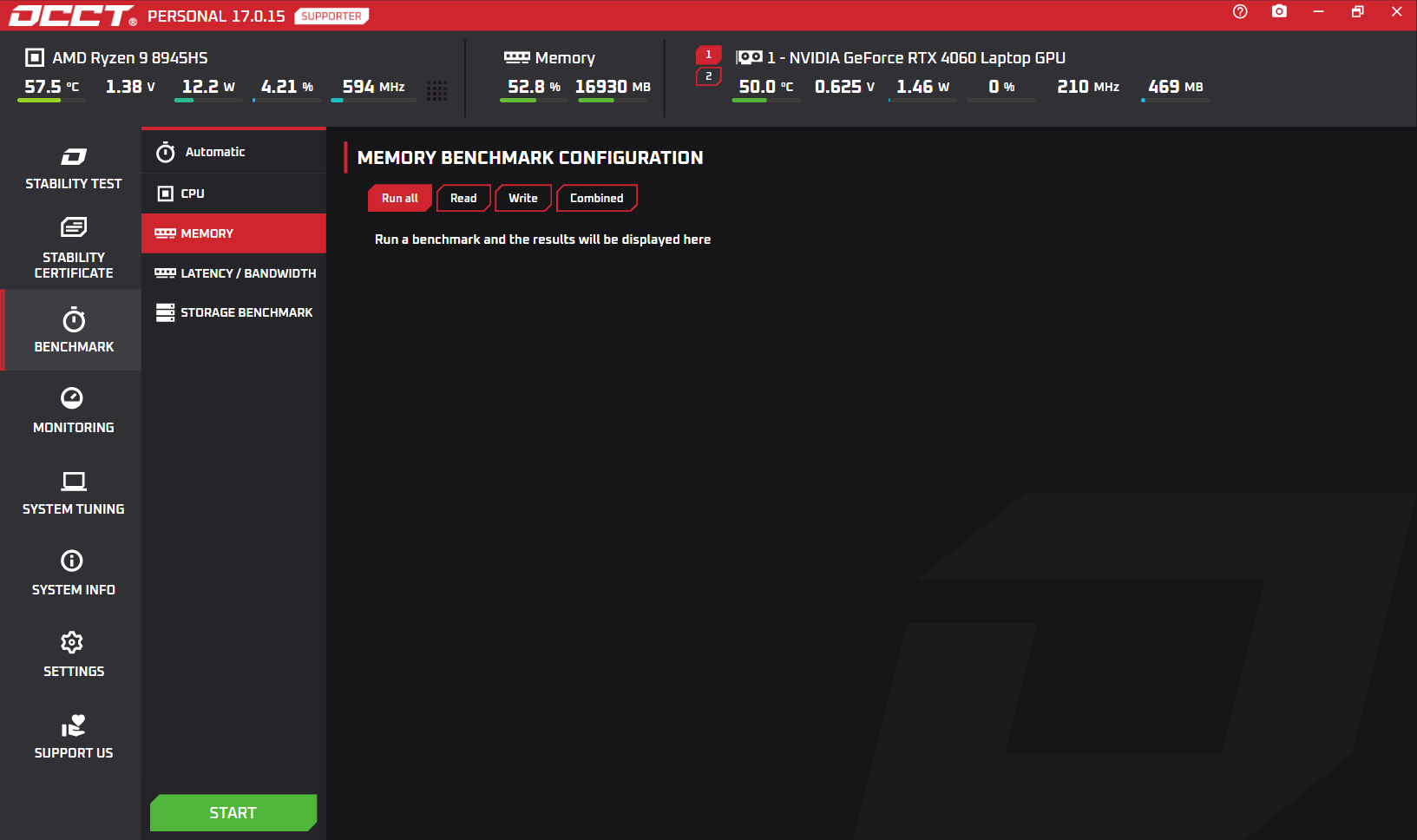
Optimizing memory is a feat in itself. Yet, it is notoriously hard to get accurate measures for your memory subsystem performance. OCCT solves this by giving you access to L1, L2, L3, and Memory Latency & Bandwidth benchmarks.
Sticking to our own beliefs, this benchmark is available for free.
It is capable of giving you precise measures for different workloads, allowing you to plot a full graph of your memory subsystem performance. You are also able to export it in a single click to exploit the data the way you see fit.
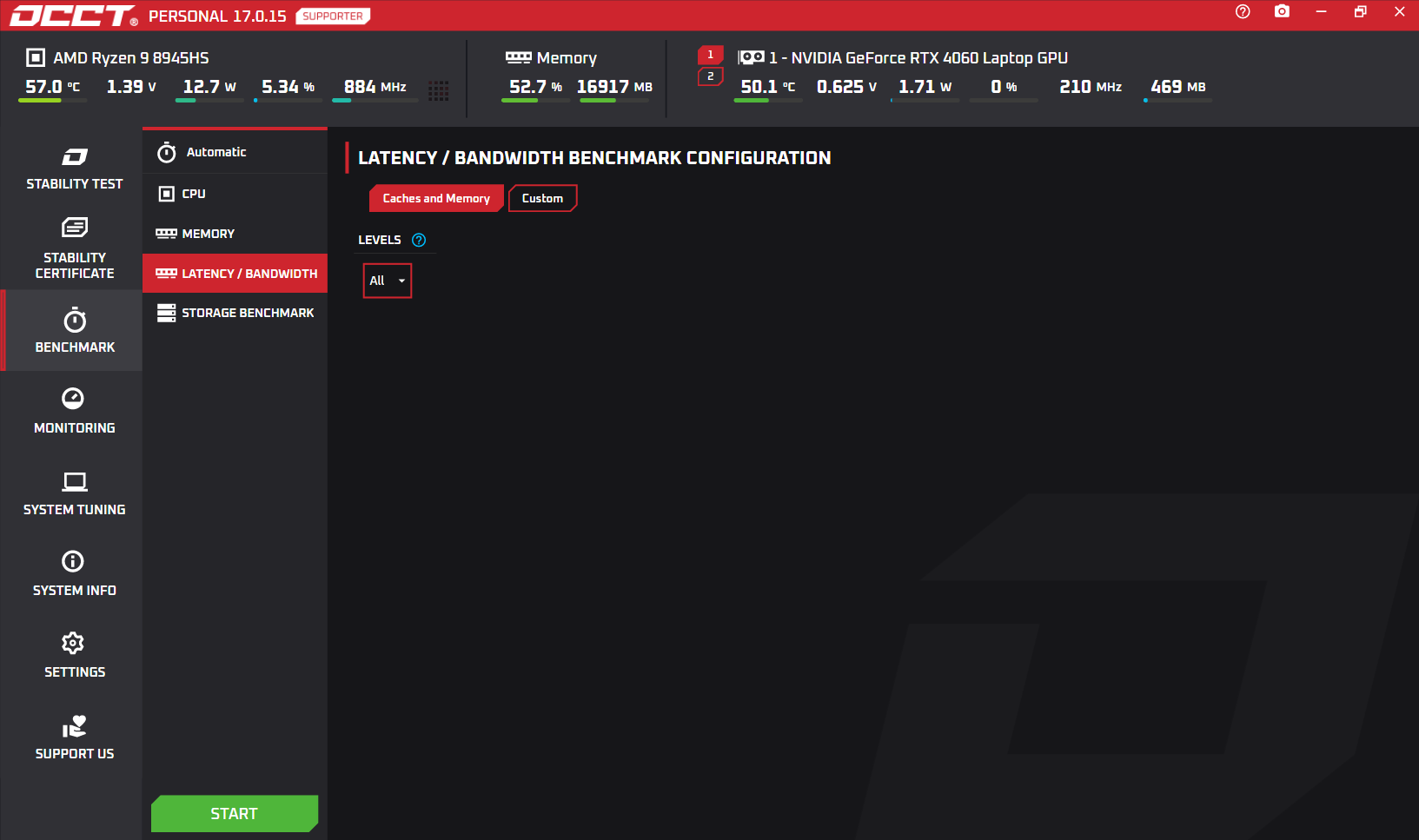
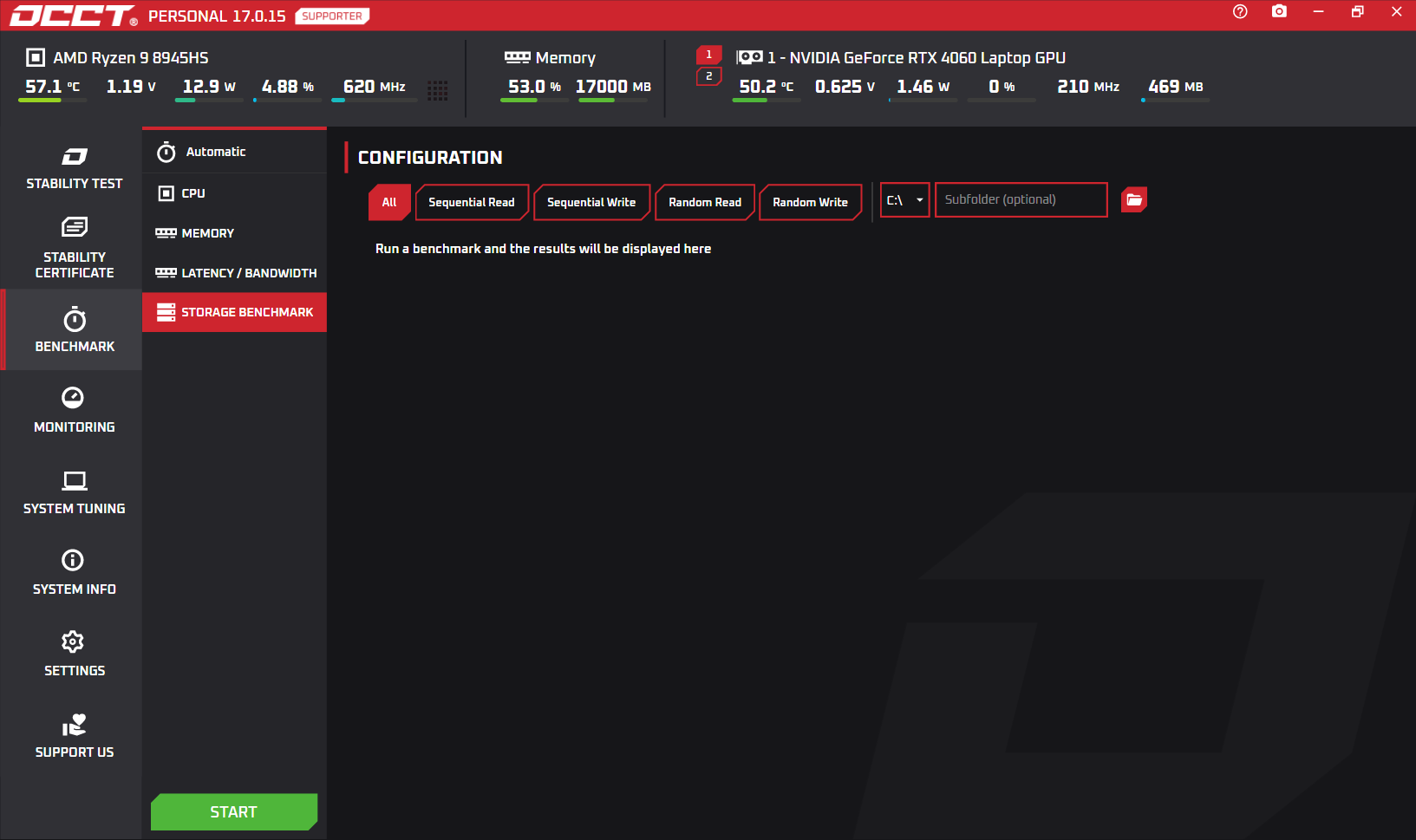
Similar to CrystalDiskMark, OCCT's Storage Benchmark allows you to measure your storage devices' performance under different workloads.
It supports sequential and random read and write tests, with different queue depths and thread counts, to give you a comprehensive overview of your storage performance.
Results can be exported for further analysis.
Need help?
Visit support