
OCCT Personal Download
OCCT Personal delivers all the core features of OCCT, free of charge
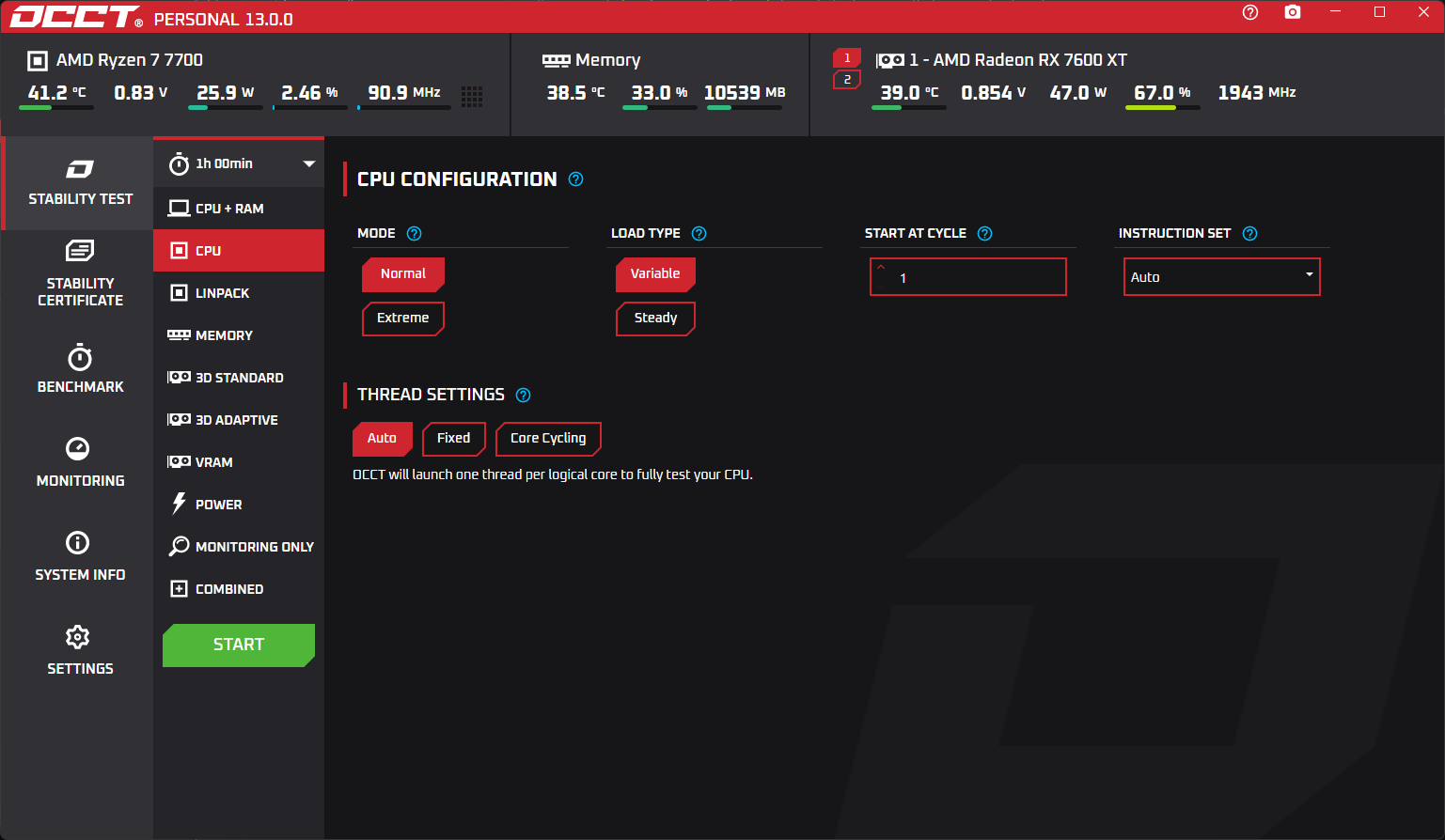


There's something for everyone
Custom download
Platform
Latest news
Stay up to date
Fixed an issue where Windows SmartAppControl would block ORing
Reverted the HWiNFO update due to crash issues
Updated all our libraries to latest
Cut down startup time by about 40%
Cut down memory usage by about 30%
Exe is now properly trimmed and lighter by about 30MB
Added data to the upload mechanism
UI should feel snappier and more reactive
Strengthened GUI-test communication protocol
OCCT now supports "late" sensors, that is sensors that can appear after startup. Optimus and some TPMI sensors are prime example of this. You may see GPU appear in the top level monitoring bar when tested, for instance.
Revamped the OCCT debug file format, switched to a zip, as it allow us to better reproduce monitoring issues and state in the future
Update HwInfo engine
Fix : The CPU icon could become a Memory icon in the table using Granite Rapids CPUs
Improved the efficiency of the error detection algorithm
Re-introducing translations ! You can change OCCT's language in its settings (requires a restart)
Fixed an issue creating false positives under specific conditions on Linux
Fixed an issue where some of the check results of the AVX version of the TM5Refresh block would be wiped before being reported
Fixed : On some DDR4 systems under a race condition, running a Memory test with a Preset could lead to the test crashing when an error was detected. Custom and Legacy were unaffected.
Fixed memory leaks occurring when hammering navigation through specific parts of the UI. There might be some left (to a much lighter extent), expect a full cleanup in next releases.
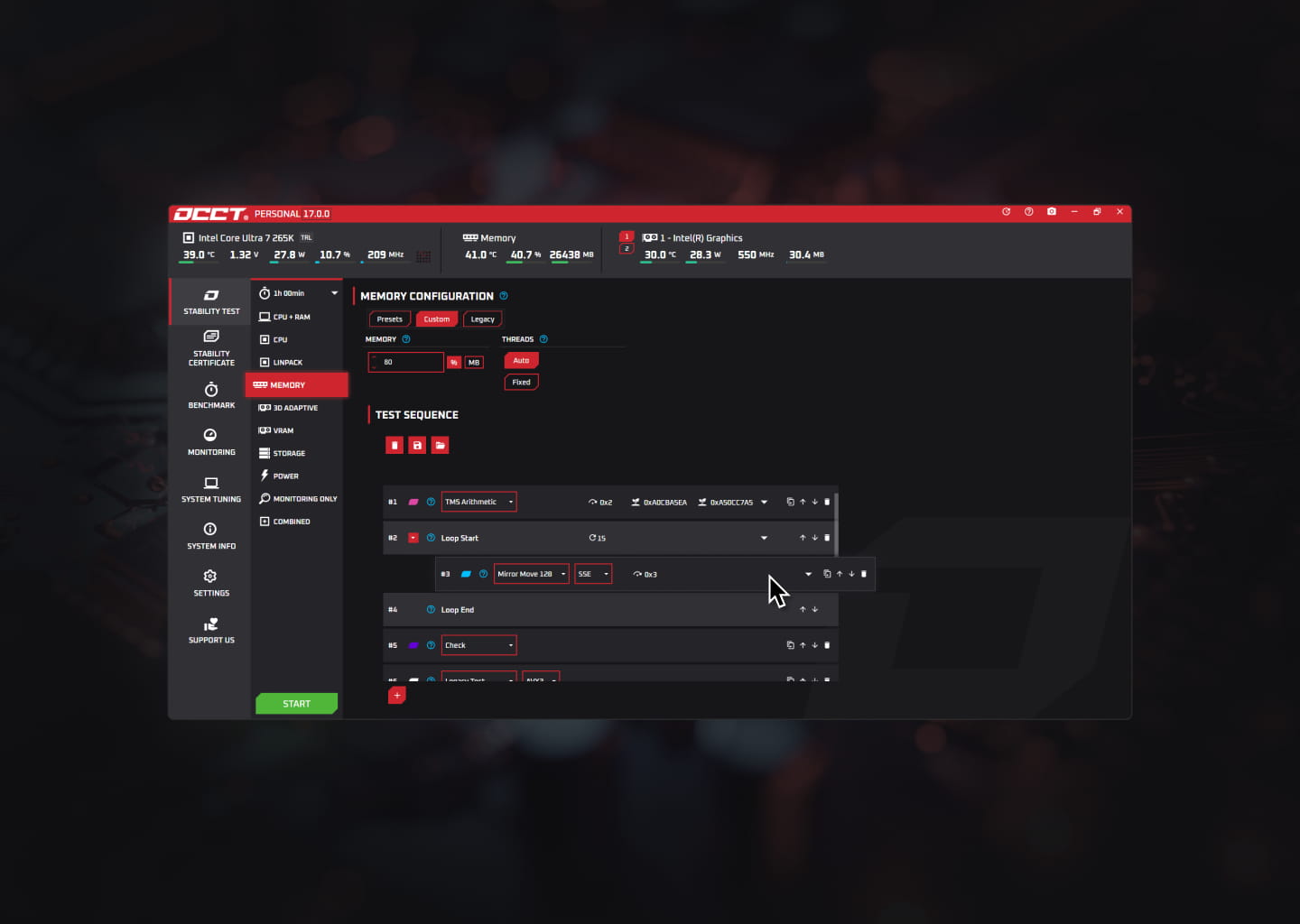
Overclocking and stress testing
OCCT is the leading software for overclocking and stress testing your PC. It provides a comprehensive suite of tools to monitor, test, and optimize your system's performance.
Show off your machine
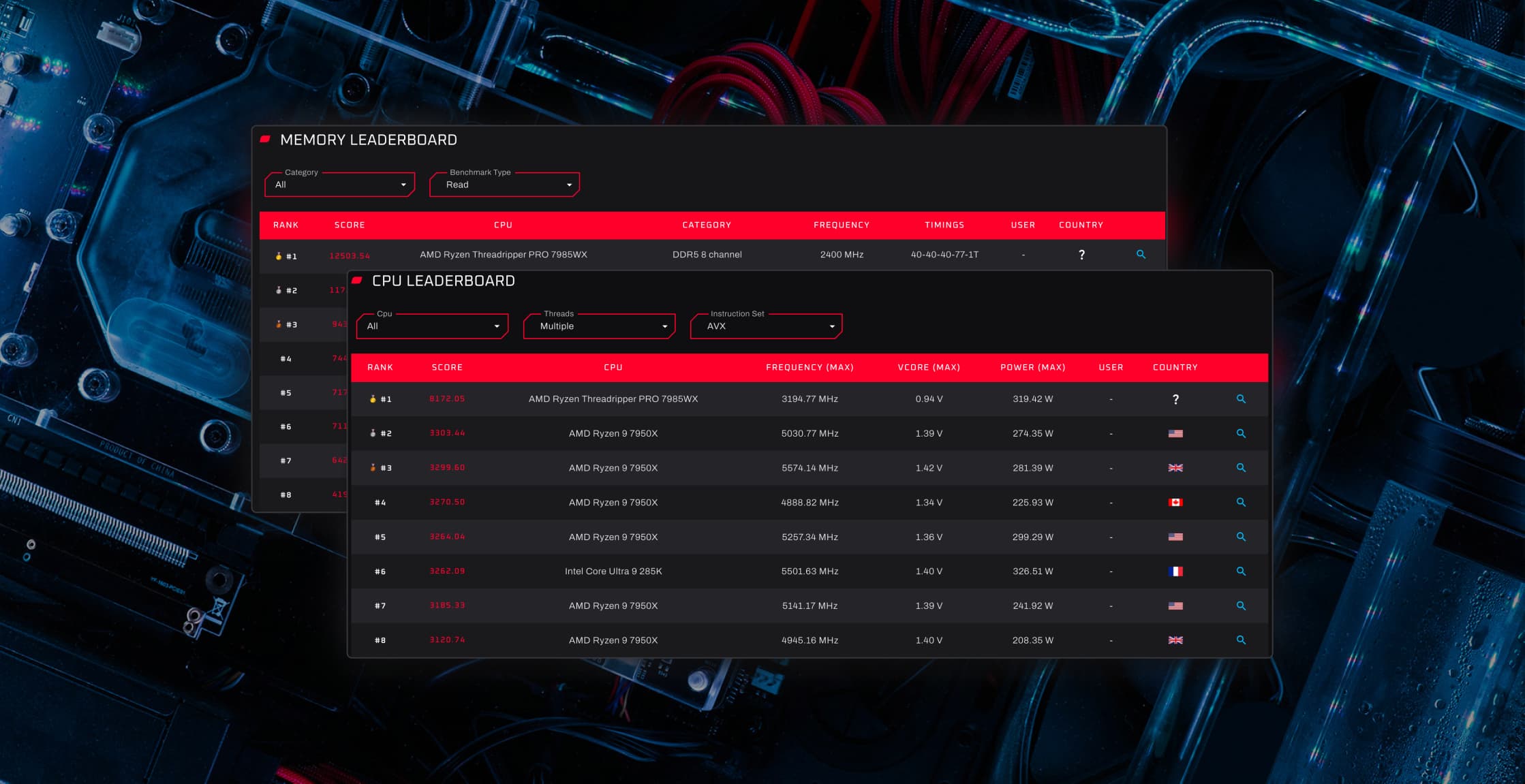
Benchmark leaderboards
OCCT isn't just a powerful stress testing tool, it's also home to a thriving tech community. Compare your benchmark results on global leaderboards, compete with users worldwide, and see how your system stacks up.
Optimize your performance
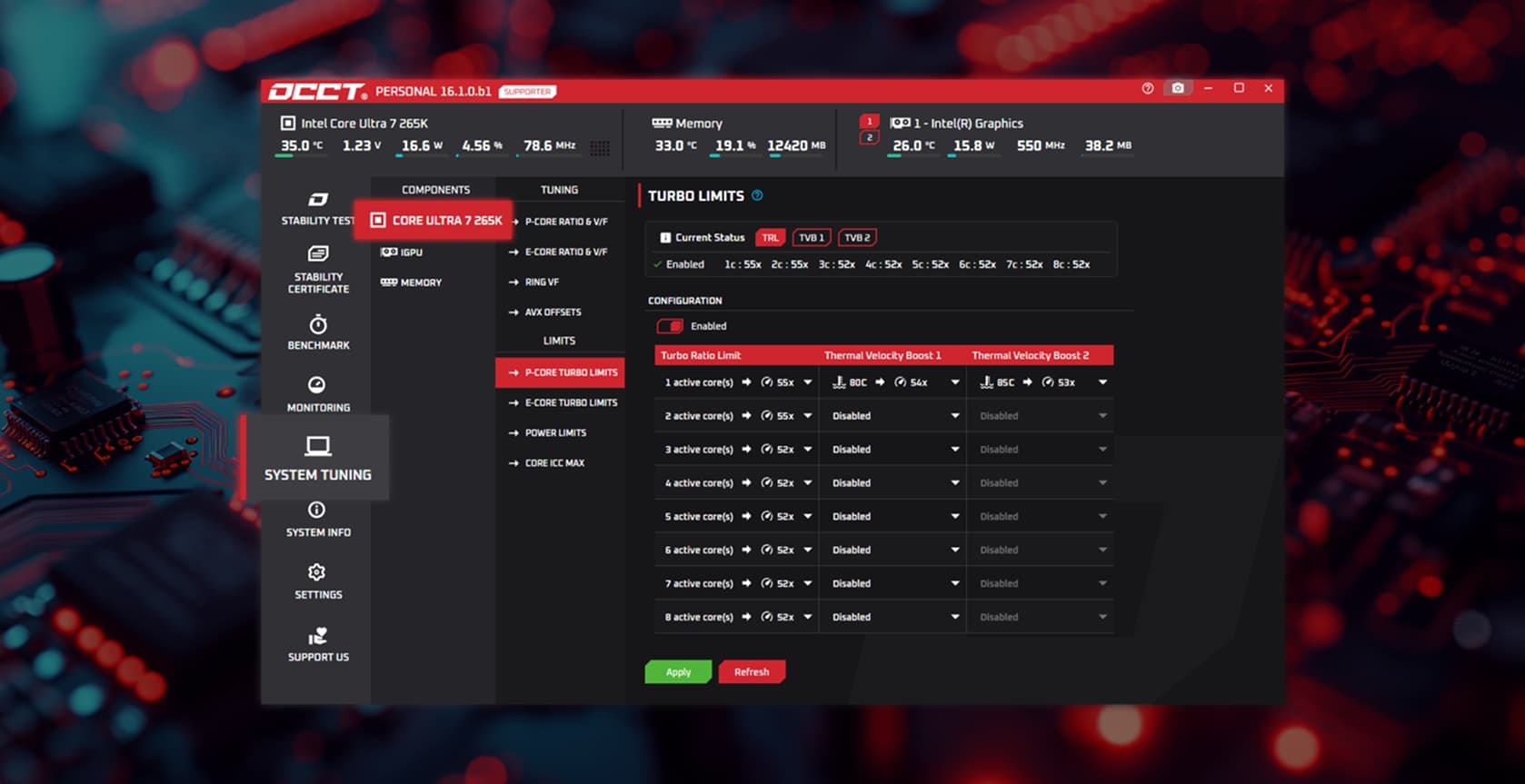
System tuning
Built in collaboration with Intel, our System Tuning tool allows you to optimize your Intel CPU performance with ease. With just a few clicks, you can adjust your system settings to achieve the best possible performance while maintaining stability and reliability.
Trusted by leaders
Proud sidekick of the tech industry












Support OCCT's development
Patreon membership and perks
OCCT is free for personal use. To support ongoing development, a subscription is available via Patreon. Members enjoy unlimited test duration, no wait time between tests, and access to test reports and stability certificates. Subscriptions can be cancelled at any time.
Ready for all gamers
Also on Steam
Easy to find and quick to download, OCCT can be launched directly from your Steam library on any machine. If you prefer non-recurring subscriptions, you can also purchase one month of OCCT Supporter on Steam to enjoy all premium perks.
Knowledge is power
Frequently Asked Questions
Although we offer five different license tiers, there are only four distinct software versions available for download: ▪ Personal (Personal and Patreon licenses) ▪ Pro (Pro license) ▪ Enterprise (Enterprise and Enterprise+ licenses) ▪ CommandLine (Enterprise and Enterprise+ licenses)
Once your purchase is completed, your license key will be sent to you via email as an attachment. You can also retrieve it from your dashboard if you're logged in with the account you provided during the purchase. Please note that depending on the license type or payment method, processing times may vary.